
Introducing the Cheevo Frame Wall Planner

Our new Frame Wall Planner lets you lay out your Cheevo frames and Snaplates on a wall before you buy a thing or put a single nail in.
Most of us have stood in front of a blank wall holding a frame up at arm's length, trying to picture where the next one goes. Product photos help you see a frame on its own. They don't show you what six of them look like above your desk, or whether that Snaplate Triple will crowd the TV. That gap is what the planner is here to close.
What the Frame Wall Planner is
The planner is a free tool that runs in your browser. It shows a real room photo with a wall scaled to true size, so a 27 cm frame looks like a 27 cm frame next to a 160 cm desk.
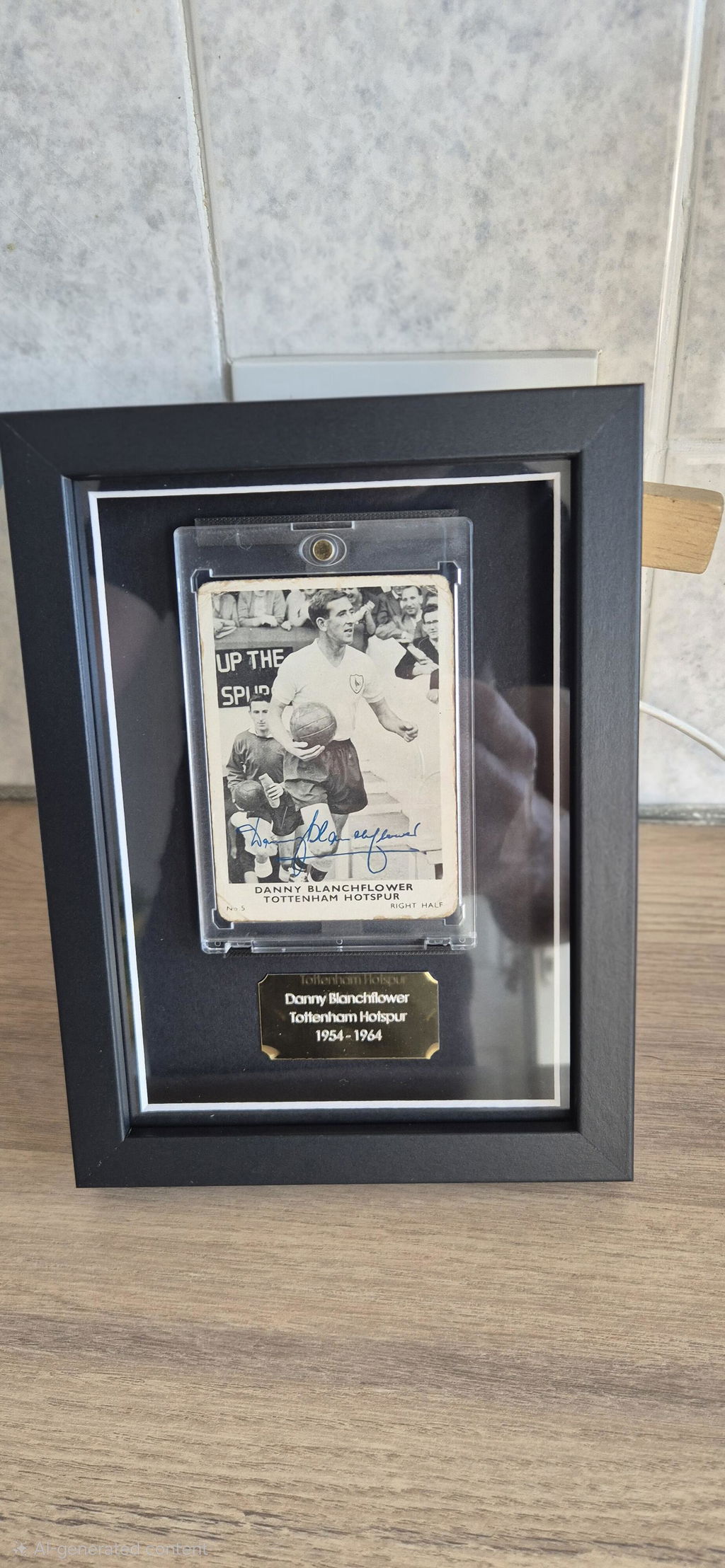
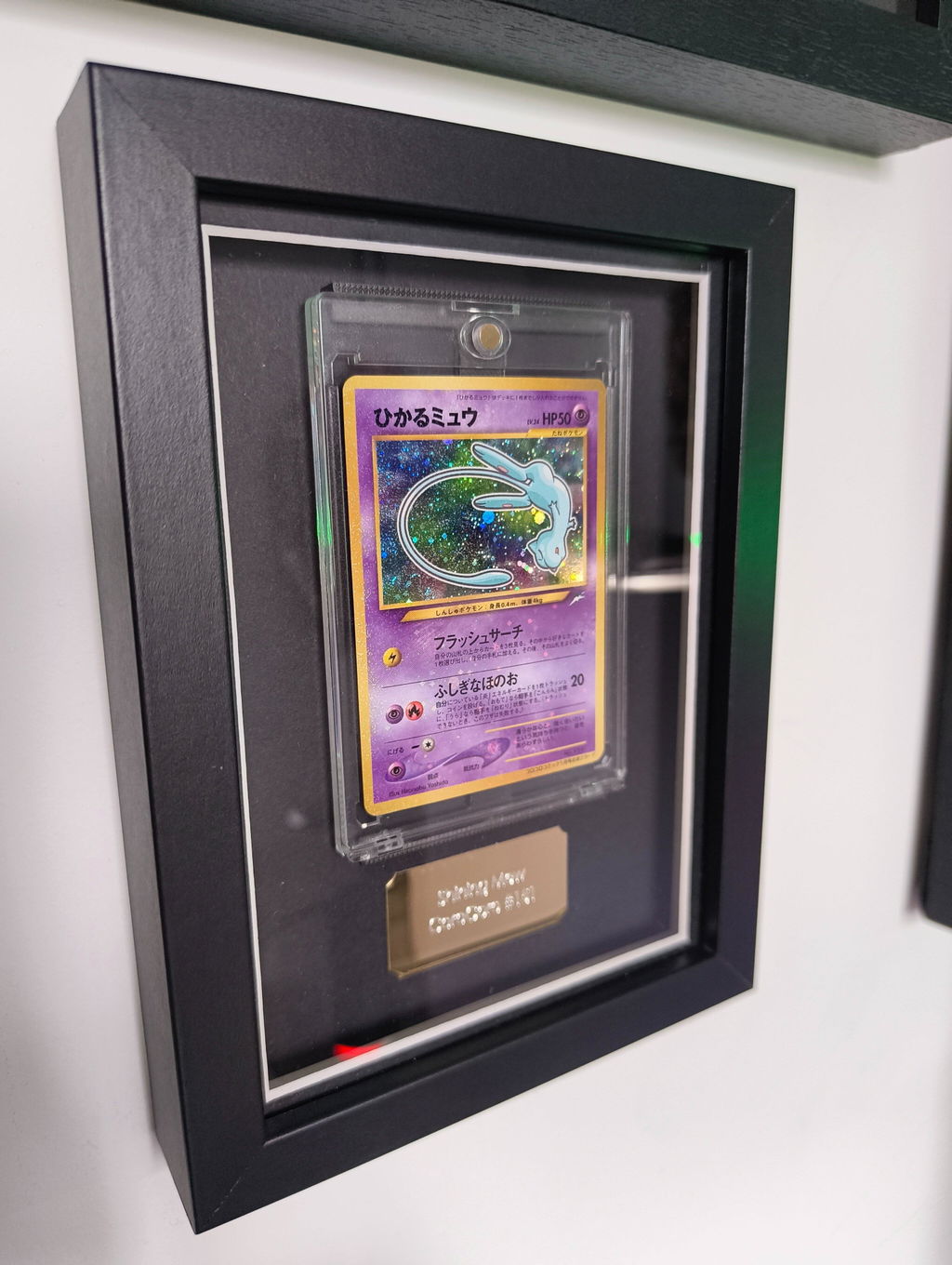
On the left you'll find the whole range: game frames for PlayStation and Xbox, movie and CD frames, single and triple graded card frames, comic frames, steelbook mounts and the Snaplate Single, Double and Triple. Each one is shown at its actual outer size, using our own product photos rather than a drawn outline. Tap one and it appears on the wall near eye level. Drag it and it goes wherever you like.
There's no account to create and nothing to install. Your layout is saved in your browser, so you maintain full control over your wall and the images.

How the planner works
Put your own collection in the frames
Click any frame and add a photo of your cover, and for game, movie and CD frames you can add the disc too. You can also drop an image straight onto a frame. It's the difference between planning "a frame" and seeing your copy of the game that got you through school sitting on the wall.
Try it on your own wall
Swap our example room for a photo of yours. Take it straight on, crop it to fit, and the planner treats it as a wall roughly 3 metres across, so the closer you fill the crop with your wall, the more realistic the sizes.
Line things up without the guesswork
Frames snap to each other's edges and centres as you drag, with a neat 5 cm gap between them. There's an optional grid in 1, 5 or 10 cm steps, a ruler overlay, and a dashed eye level line at 145 cm, a common gallery hanging height. Two buttons do the fiddly bits for you: one centres the whole group on the wall, the other centres it at eye level.
Get the numbers you need to hang it
While you drag, a readout shows how far in and how far up each frame sits. Select a frame and it tells you where its top centre lands, measured from the left and from the floor, which is exactly what you want when you've got a pencil and a tape measure in hand. Turn on frame numbers and you've got a hanging order too.
Spot problems early
If two frames overlap, they're marked with red stripes and the panel on the right lets you know. It also gives you the size of the whole arrangement and how high it sits off the floor.
Undo and redo are there if you change your mind, and arrow keys nudge a frame 1 cm at a time (5 cm with Shift held) if you like working precisely.

Seeing what your wall costs
As you build, a running total appears at the top of the page and a price list builds up on the right. Each line links straight to that product on our site. For game, movie and CD frames you can switch between Magnetic and Slipcase styles and watch the total update. Where a multi-buy discount applies, such as on steelbook mounts, the saving is shown for you.
When you're happy, the Copy list button gives you a plain shopping list with quantities and links, ready to paste into a note or send to whoever is footing the bill. The prices shown are starting prices, and the final price depends on the options you choose on each product page.

Why we made it
The question we hear most often isn't about a single frame. It's some version of "how would these look together?" People rarely stop at one. A first frame goes up, then a second, and before long there's a collection on the wall that tells a story about the person who owns it.
Getting that wall right usually meant plenty of measuring and the odd extra hole in the plaster. We wanted you to be able to see it first, with your own games, films, cards and records sitting on your own wall at their real size. Not a mock-up of someone else's shelf, but a preview of yours.
It also fits how we think about Cheevo. What you already own is what matters, scuffed case and all. The planner is just a way to give those things a proper place before the drill comes out.
Your photos stay on your device. Covers and room shots are handled in your browser and saved there with your layout, so nothing you add is uploaded to us.

A few tips to get started
- The planner opens with an example layout. Clear the wall when you're ready to start your own, and undo will bring it back if you clear it by mistake.
- If you're using your own photo, stand square to the wall and fill the frame with it. The straighter the shot, the more accurate the plan.
- Centring the group at eye level is a good starting point. From there, it's worth trying a few arrangements before settling on one.
- Labels are handy for big walls. Give each frame a name like "Zelda" or "Signed copy" and the plan doubles as your hanging guide.
Open the Frame Wall Planner and see how your collection could look. If you get stuck or have an idea for something it should do, we'd love to hear from you.
Everything in the planner is there to help you picture your wall, so sizes, products and layout are illustrative rather than exact.
Browse the Cheevo shop


Steelbook Wall Display
- £9.99
- £9.99
- Unit price
- per
- £9.99
- £9.99
- Unit price
- per


-
Acrylic
-
99% UV Acrylic
Pokémon Trading Card Display Frame - Acrylic
- From £19.99
- From £19.99
- Unit price
- per
- From £19.99
- From £19.99
- Unit price
- per
-
Acrylic
-
99% UV Acrylic


PlayStation Game Display Frame
- From £27.99
- From £27.99
- Unit price
- per
- From £27.99
- From £27.99
- Unit price
- per


Xbox Game Display Frame
- From £27.99
- From £27.99
- Unit price
- per
- From £27.99
- From £27.99
- Unit price
- per


-
Acrylic
-
99% UV Acrylic
Frame for ACE-Graded Trading Cards - Acrylic
- From £28.99
- From £28.99
- Unit price
- per
- From £28.99
- From £28.99
- Unit price
- per
-
Acrylic
-
99% UV Acrylic


-
Acrylic
-
99% UV Acrylic
Comic Book Frame - Acrylic
- From £37.99
- From £37.99
- Unit price
- per
- From £37.99
- From £37.99
- Unit price
- per
-
Acrylic
-
99% UV Acrylic


-
Acrylic
-
99% UV Acrylic
Frame Your Own PC Game - Acrylic
- From £27.99
£35.99- From £27.99
- Unit price
- per
- From £27.99
£35.99- From £27.99
- Unit price
- per
-
Acrylic
-
99% UV Acrylic

-
Acrylic
-
99% UV Acrylic
Topps UEFA Club Competitions Card Display Frame - Acrylic
- From £19.99
- From £19.99
- Unit price
- per
- From £19.99
- From £19.99
- Unit price
- per
-
Acrylic
-
99% UV Acrylic


-
Acrylic
-
99% UV Acrylic
PSA Graded Trading Card Frame for 3 Cards - Acrylic
- From £39.99
- From £39.99
- Unit price
- per
- From £39.99
- From £39.99
- Unit price
- per
-
Acrylic
-
99% UV Acrylic

-
Acrylic
-
99% UV Acrylic
Frame for PSA-Graded Trading Cards - Acrylic
- From £28.99
- From £28.99
- Unit price
- per
- From £28.99
- From £28.99
- Unit price
- per
-
Acrylic
-
99% UV Acrylic